Start with the room, not the recording app
Clear spoken audio depends less on making a room perfectly silent than on making your voice easy to distinguish from everything around it. Before setting up, listen for sounds that might interrupt a sentence: a fan, traffic, a humming appliance, or people moving nearby. If you can safely switch off a noisy device for the length of a take, do so. Otherwise, choose a quieter time or move to another spot. A short pause to listen can save more work than trying to remove noise afterward.
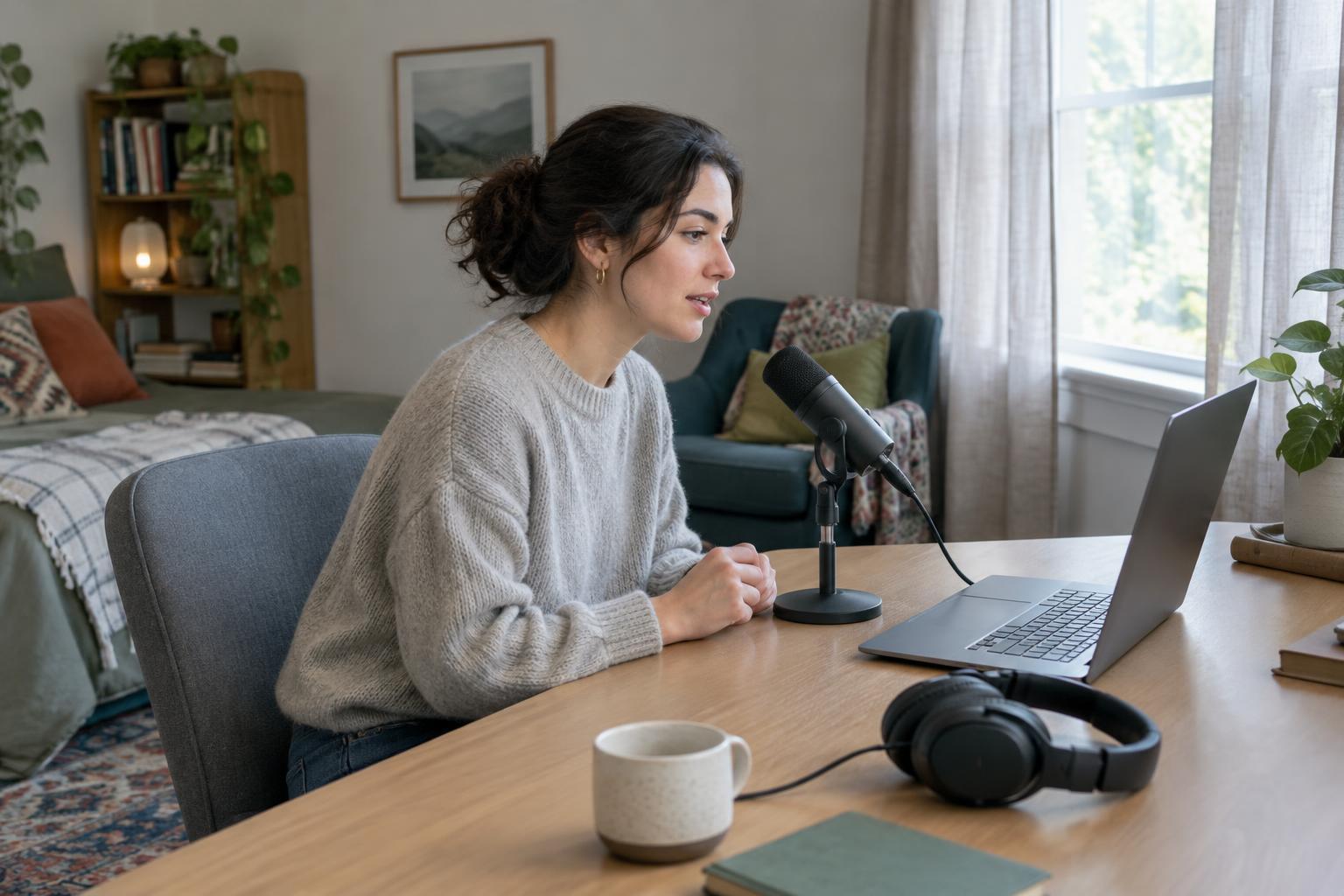
Rooms with many hard, bare surfaces can make speech sound distant or hollow because sound reflects back toward the microphone. A space with curtains, a rug, upholstered furniture, or books may produce a more controlled sound. You do not need to cover every wall. Try speaking in two or three places and listen back through headphones. The spot that looks least impressive on camera may be the one that sounds best.
Bring the microphone closer to your voice
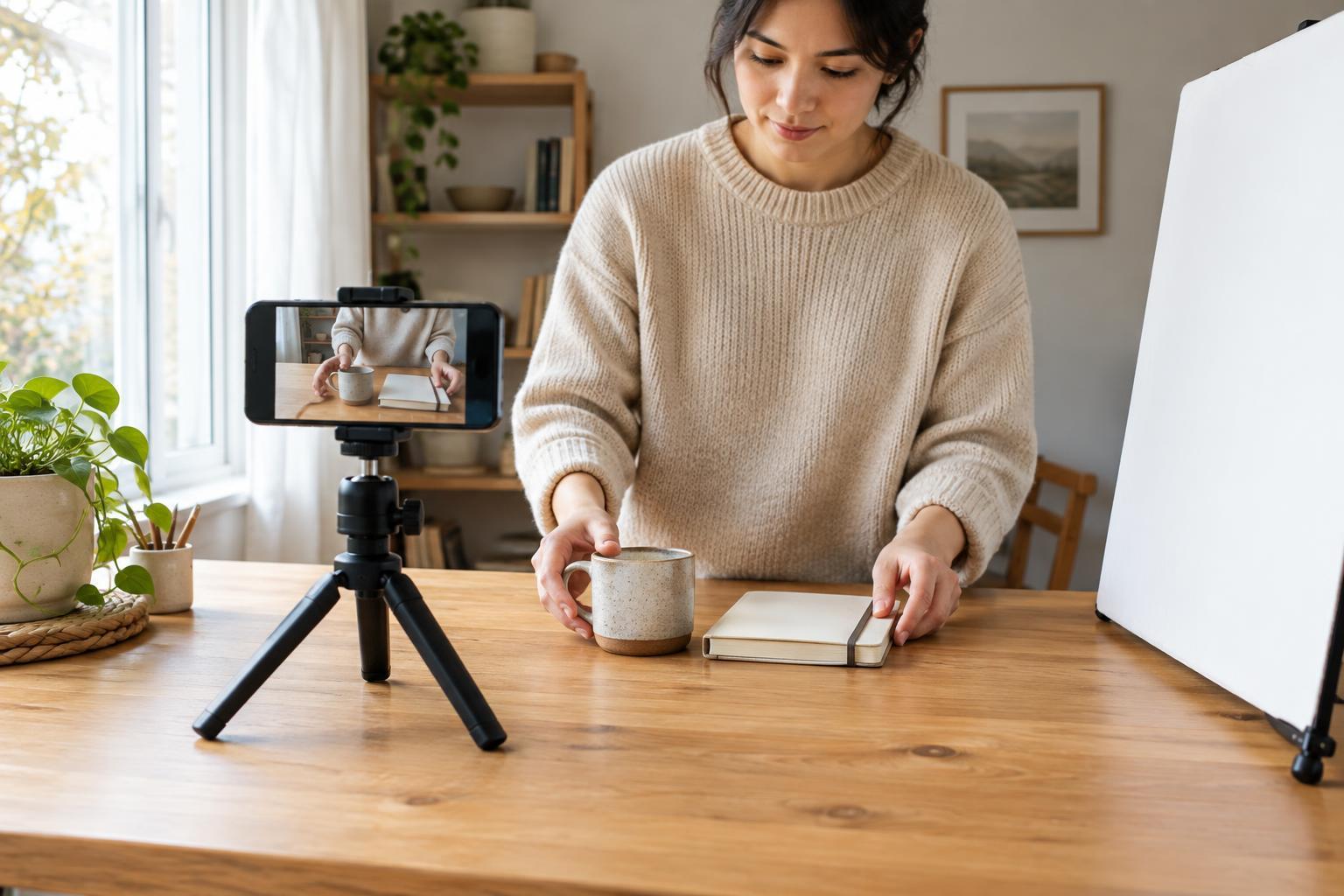
The easiest way to make speech stand out from room noise is usually to reduce the distance between your mouth and the microphone. A phone resting across the room will capture more of the room than a phone positioned near you. Place the device on a stable surface or stand so it does not shift during the take. If you are recording video, moving the microphone closer may help more than buying a new one.
Aim the microphone toward your mouth without speaking directly into it. Slightly off-axis placement can soften bursts of air on sounds such as “p” and “b.” Leave enough space to speak naturally, then keep that distance consistent. Avoid handling the device, tapping the table it sits on, or turning your head away at the end of sentences. If you use a headset or external microphone, make a test recording rather than assuming its position is right.
Make a short test that resembles the real take
Record a few sentences at the volume and energy you plan to use. Include a quiet phrase, an emphatic phrase, and a pause. Play the test back on headphones, listening for three things: whether the words are intelligible, whether any loud syllables sound harsh or distorted, and whether background noise becomes distracting during pauses. Your recording software may show an input meter; aim to leave room for louder words rather than pushing the signal as high as it can go.
Check the entire setup, not just the microphone. A loose cable, a notification sound, or a computer fan that starts under load can spoil an otherwise good take. Silence alerts where practical and keep your script or notes in a position that will not make you turn away from the microphone. If you change rooms, devices, or microphone placement, make another short test.
Record for steady delivery
A listener can follow a calm, consistent voice more easily than one that repeatedly fades in and out. Sit or stand comfortably, keep your posture reasonably steady, and speak to one imagined listener rather than projecting across the room. It is fine to pause and start a sentence again. Leave a brief moment of quiet between attempts so you can find the clean version when editing.
Keep water nearby and give yourself time to breathe. If a passage is difficult, break it into smaller sections rather than rushing through it. For a video essay, tutorial, or podcast segment, the goal is not a flawless performance in one take. It is a collection of usable sentences that sound as though they belong together. Keeping the same room, microphone position, and speaking style across pickups helps preserve that continuity.
Edit for clarity, not artificial perfection
Listen through the recording before applying effects. Remove obvious mistakes, long interruptions, and distracting bumps, but leave enough natural pauses for the speech to breathe. If your editor has noise reduction, use it gently and compare the result with the original. Aggressive processing can make a voice sound thin or watery. Lowering a persistent noise at the source and recording again may produce a better result.
Finally, listen on a second playback device if one is available. Headphones can reveal small problems, while a phone speaker can show whether the words remain clear in a common listening situation. If the voice is understandable and its level stays reasonably even, the recording is doing its job. An ordinary room will still sound like a real place; the aim is to keep that place from competing with what you have to say.