Give every project a home
A creator’s files often spread across a desktop, a downloads folder, a phone, and several shared drives. The problem is not simply clutter. When a deadline approaches, scattered files make it harder to tell which footage is original, which graphic was approved, or whether a caption has already been revised. A repeatable folder structure reduces those decisions without requiring a complicated tool.
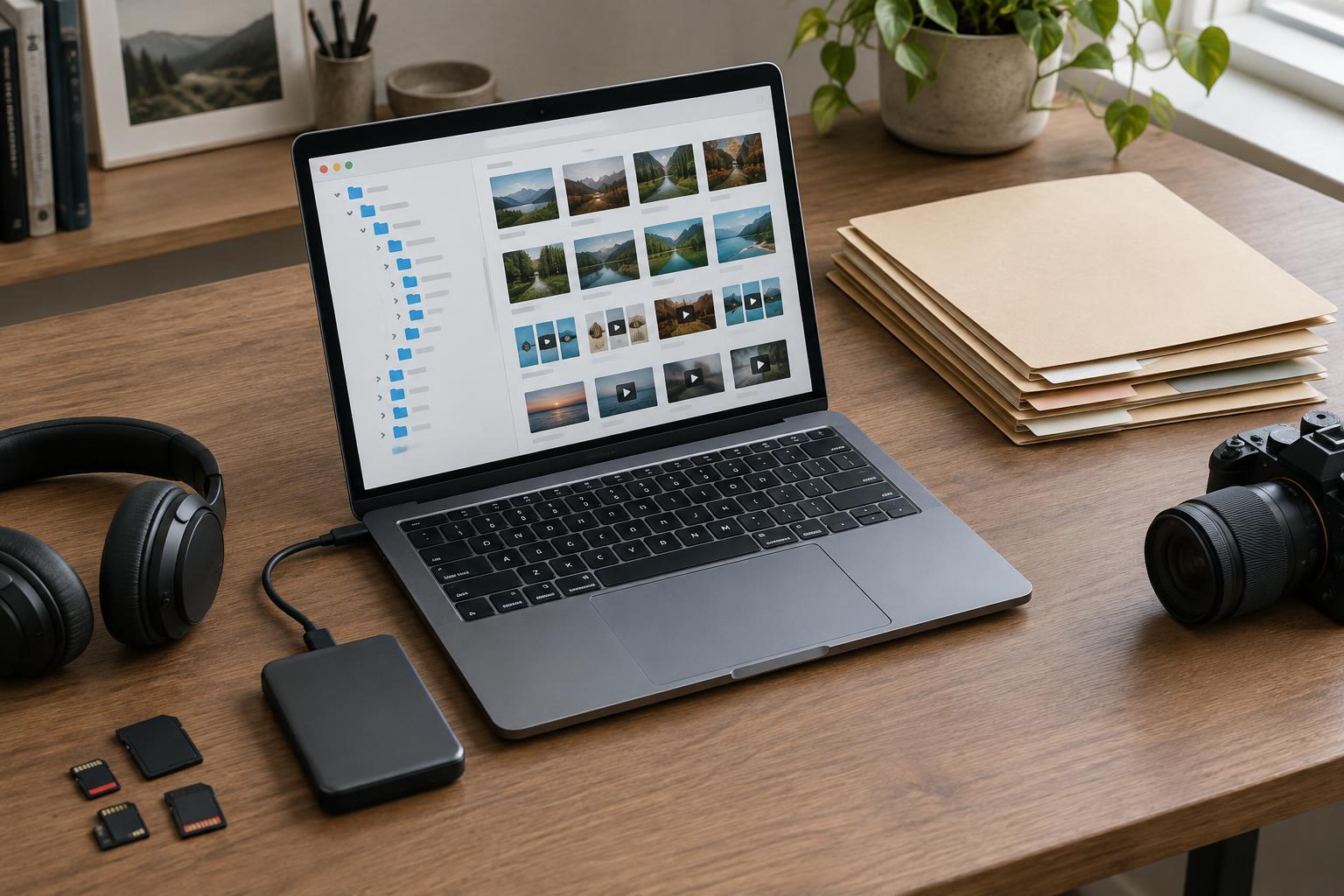
Start with one parent folder for each project, named with a recognizable subject and, if useful, a date or project code. Inside it, use a small set of folders such as Brief, Source, Working, Exports, and Delivery. Source holds original recordings, images, and notes; Working holds editable documents and project files; Exports holds rendered or flattened outputs; Delivery holds only what another person needs to receive. Use the same structure for a short video, a newsletter, or a podcast episode, changing it only when the work genuinely requires something else.
Name files for the person who will open them later
A useful filename answers three questions: what is this, which project does it belong to, and which version is it? For example, “studio-tour_caption_v03” is more informative than “caption-new-final.” Consistent dates can help when timing matters; writing them as year-month-day keeps files in chronological order when sorted by name. Avoid relying on labels such as “final,” “final2,” or “final-really,” because a project may continue after any one of those files is created.
Keep names short enough to scan, and choose conventions your collaborators can follow. If a platform or app changes filenames on export, place the resulting file in the right project folder and rename a copy before handoff. Do not rename original camera files if an editing project depends on their existing paths. The goal is easy identification, not a naming system so elaborate that nobody uses it.
Separate revisions from deliverables
Version control does not have to mean saving a new copy after every small edit. Create a new numbered version at meaningful checkpoints: before a major rewrite, after feedback, or when sending work for review. Keep a brief note in the project folder or working document about what changed and which version is awaiting approval. This is especially helpful when feedback arrives in different messages and someone later asks to return to an earlier approach.
Make the status of deliverables explicit. A working design file, a review export with a watermark, and an approved publication file serve different purposes, even if they look similar at a glance. Put approved outputs in Delivery and keep drafts elsewhere. When a collaborator needs editable materials, include the relevant working files and any assets they are permitted to use, rather than assuming a rendered export will be enough. Before sending, open the delivery folder as if you were the recipient and check that its contents make sense on their own.
Treat sync and backup as different jobs
Cloud sync is convenient for moving between devices and sharing work, but it is not automatically a complete backup. A mistaken deletion or unwanted change may sync everywhere. A backup is a separate copy you can recover from when the working copy is damaged, lost, or changed by mistake. For important projects, consider keeping copies in more than one place, such as a local external drive and a separate cloud backup service. Check what each service preserves, including earlier versions and deleted files, rather than assuming every plan works the same way.
Choose a routine you can sustain. Back up active work regularly, and include source files as well as finished exports; an export alone may not let you revise a project later. Periodically try restoring a small project into a new location and opening its files. That test can reveal missing media, broken links, or a backup that has quietly stopped running. If a project includes private interviews, client materials, or unreleased work, use appropriate access controls and avoid sharing a whole backup folder just to deliver one file.
Close projects deliberately
Once a piece is published or handed off, spend a few minutes closing it. Confirm the approved deliverable, keep any permissions or brief notes that help explain its use, and remove obvious duplicates or temporary renders that have no future purpose. Archive the project folder without mixing it into active work. If storage is limited, decide what to retain based on whether you may need to revise, repurpose, or document the work later.
A good file system is one you can understand on a tired afternoon, not one that looks impressive in a tutorial. Start with a single upcoming project, use the same folders and names through delivery, and notice where you hesitate. Adjust that part of the system before applying it to older work. Over time, those small habits make creative work easier to find, hand off, revisit, and protect.