Start with the space your content will occupy
An aspect ratio describes a frame’s shape: width compared with height. A 16:9 frame is wide, 1:1 is square, 4:5 is taller than it is wide, and 9:16 is a tall vertical frame. These shapes do more than determine dimensions. They affect how close a subject feels, how much room text has, and whether a viewer can understand the image at a glance.
Before editing, list the places where the piece might appear: a vertical video feed, a square grid, a website embed, or a presentation screen. Check each destination’s current requirements before delivery, since accepted formats and interface layouts can change. If you are making several versions, begin with the message rather than a universal crop. Decide what the viewer must see, then give that element enough space in every frame.
Compose for multiple crops, not just one
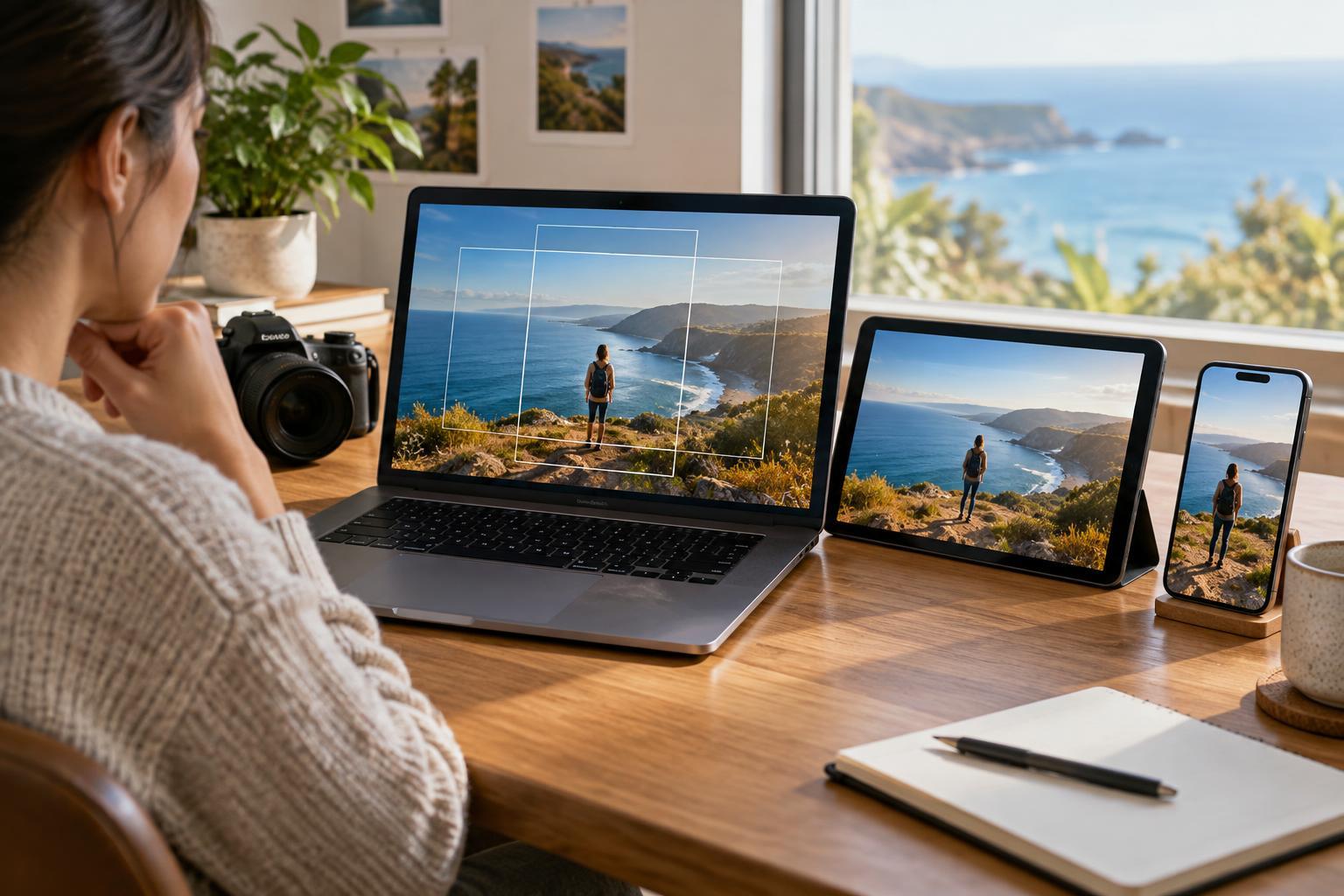
A wide shot can become awkward when cut into a vertical frame. People at the edges disappear, a product loses context, or a line of text gets sliced in half. If you can plan ahead, capture at a resolution that leaves room to reframe, and keep the main action away from the extreme edges. For interviews, consider getting a closer shot as well as a wider one; each may serve a different layout better.
When adapting existing footage, make a separate composition for each ratio instead of letting software crop automatically. Move the crop as the subject moves, and watch the result from beginning to end. For a still image, ask whether the new framing preserves the relationship that made the original work. A tighter crop may be stronger, but it may also remove the detail that explains the story.
Text needs similar attention. Platform controls, captions, and profile information can cover parts of a screen, especially in vertical formats. Leave breathing room around titles and essential visuals, and preview the file in a layout that resembles its destination. If a graphic must carry several lines of copy, a dedicated version may read better than a scaled-down one.
Choose export settings that match the material
Export dimensions should match the intended frame shape and be large enough for the destination without promising detail the source does not contain. For example, 1080 × 1920 pixels is a common working size for a 9:16 video, while 1920 × 1080 suits a 16:9 version. These are useful starting points, not guarantees that every service will display or process a file the same way. Upscaling a small image to a larger canvas will not restore missing detail.
For broadly compatible video delivery, an MP4 file using H.264 video and AAC audio is often a sensible starting point, provided the destination accepts it. Keep the frame rate consistent with the source unless you have a specific reason to change it. Use an export quality that avoids obvious blockiness in motion or gradients, but remember that a larger file is not automatically a better-looking one after upload. If an editor offers destination presets, inspect the settings rather than assuming the preset makes every creative decision for you.
For still images, JPEG is generally useful for photographs, while PNG can be preferable for graphics with sharp edges or transparency. Check whether transparency is supported where the file will appear; otherwise, choose the background deliberately. Preview colors on an ordinary screen before publishing, especially if the artwork began in a print-oriented color workflow.
Make a final pass as a viewer would
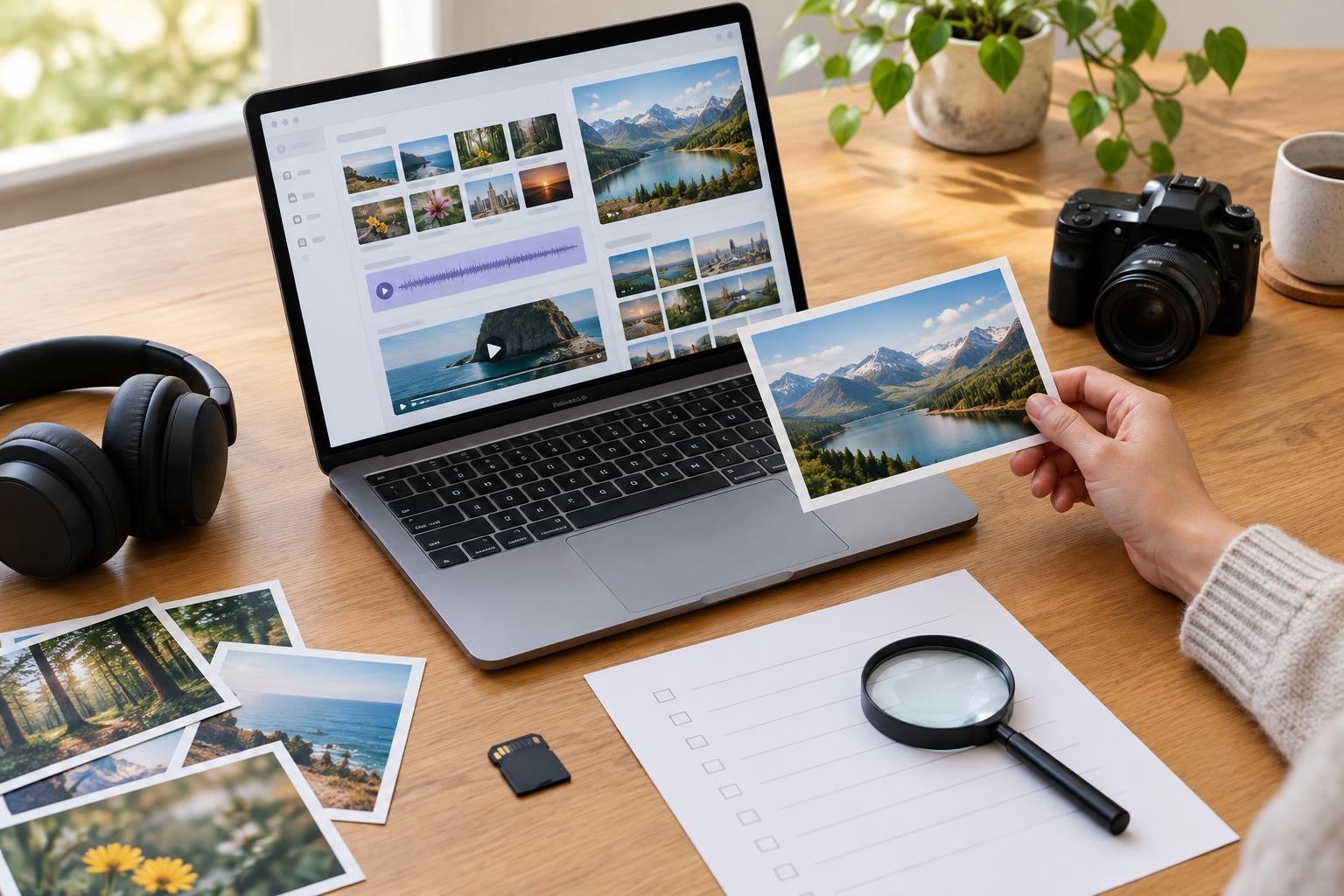
A technically valid file can still fail as a piece of communication. Watch or inspect each exported version outside the editing timeline. Is the first frame clear? Can you read the text on a phone? Are faces, logos, and demonstrations visible? Listen for audio that is unexpectedly quiet or distorted, and check that any captions remain legible and accurately timed. If captions are supplied as a separate file, confirm that the destination accepts that format.
Keep an editable master and label deliverables by purpose, ratio, and version, such as “tutorial_vertical_v2” rather than “final_final.” This makes later corrections less confusing. The goal is not to force identical files into every space. It is to keep the central idea intact while allowing each version to feel at home in its frame.