Start with the person who will view it
A portfolio is not an archive of everything you have made. It is a guided introduction to the work you want to do next. Before choosing a platform or arranging thumbnails, picture the person who might open the page. Are they looking for a video editor, a writer, a designer, or someone who can plan a campaign across formats? That question helps you decide what belongs on the page.
Write one sentence for yourself that describes the work you want to be known for. It might be, “I turn complicated topics into clear short videos,” or “I design visual identities for small community projects.” You do not have to publish the sentence exactly as written. Use it as a filter: if an example does not help demonstrate that ability, it may not need a prominent place.
Choose a few examples with distinct strengths
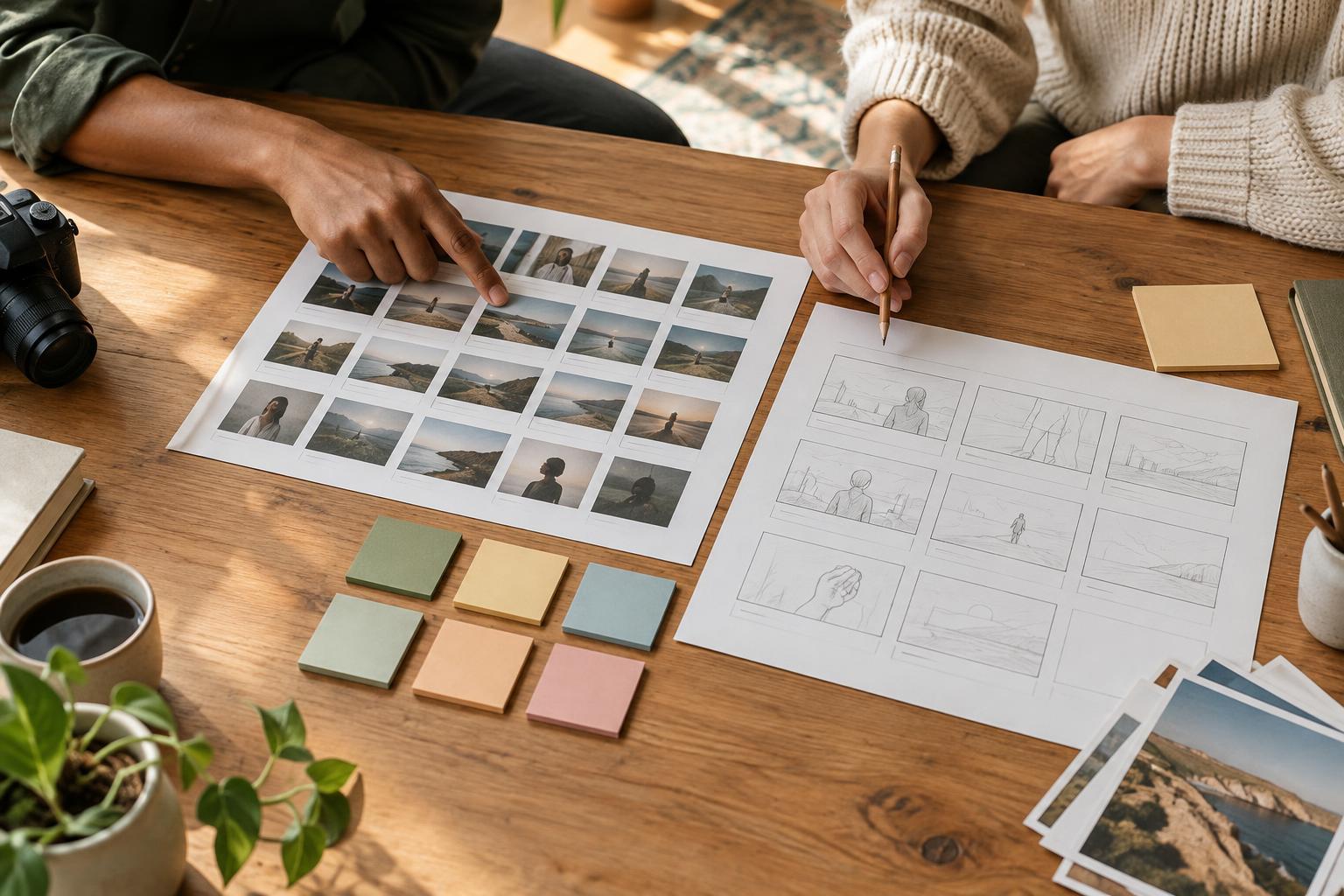
Three to five well-explained examples can give a visitor more to work with than a crowded gallery. Pick pieces that show different parts of your practice rather than several versions of the same task. A creator might include a finished video, a series of social posts, and a script or storyboard. The mix should make sense for the kind of opportunity they want.
You can include personal projects, practice assignments, or work made with a group. Label them honestly. If a piece was not published, say so; it can still demonstrate your thinking and execution. If you collaborated, make your contribution clear instead of presenting the whole project as yours. Check that you have permission to display client or team work, especially if it includes material that was never made public.
Choose examples that a visitor can actually examine. A link to a live post may be useful, but a brief description, an accessible image or excerpt, and a note about your contribution help if the original platform changes. For visual work, select a clear image that shows the piece rather than relying on a tiny screenshot that is hard to read.
Give each project enough context
A finished piece shows what you made; a short project description shows how you approached it. For each example, explain the goal, your role, the choices you made, and the final deliverable. You do not need a dramatic case study. A few plain sentences can tell a visitor why you chose a particular format, tone, structure, or visual style.
For example, a caption might say that you wrote and edited a short explainer for people encountering a topic for the first time. It could then mention that you opened with a familiar question and used on-screen labels to keep the main terms visible. That is more informative than calling the piece “engaging” without explaining what you did.
If you know how the work was used, include that context without stretching it into a success claim. You can say a video was made for a community event or that a newsletter was part of a class project. You do not need performance numbers to make the example meaningful. When outcomes are unavailable, focus on the problem, your process, and what a viewer can see.
Make the page easy to scan and use
A simple portfolio can be a single page. Give it a short introduction, a clearly labeled work section, and a way to contact you. Put the most relevant examples near the top. Use project titles that identify the work, such as “Event recap video” or “Beginner’s guide newsletter,” rather than titles that require a visitor to click before they know what they are seeing.
Choose a layout you can maintain. A clean page on a basic site builder is more useful than a complicated design with broken links or missing images. Check it on a phone as well as a larger screen. Text should be readable, images should load, and links should lead to the intended work. If a project includes audio or video, add a short text description so people can understand its purpose before pressing play.
Include the name you use professionally and a contact method you are comfortable sharing. If you link to social profiles, make sure they support the same introduction rather than forcing visitors to search for your best work. Clear navigation is a creator skill too: it shows that you have considered the audience’s time.
Treat it as a useful draft, not a final monument
The first version of a portfolio only needs to answer a few questions: What do you make? What can someone look at? What did you contribute? How can they reach you? Publish a version that answers those questions, then review it as your work develops. Replace an older example when a newer one shows your skills more clearly.
If you are just starting, make a small project with a specific brief rather than waiting for a formal assignment. Write an explainer for a topic you know, edit a short video from material you have the right to use, or design a sample content series for an imaginary project. State that it is self-initiated. A portfolio grows through clear examples and honest context, not through pretending every piece was commissioned.