Pace is about attention, not just speed
A short video can have rapid cuts and still feel slow. It can also hold on one image and feel urgent. Pace comes from the relationship between what viewers expect, what they need time to notice, and when the video gives them something new. Editing controls that relationship: a cut changes the information on screen, a pause lets an idea settle, and the time given to a shot signals its importance.
Consider a video showing how to repair a loose button. Quick shots of the tools may establish the setting efficiently. But if the needle moves out of frame just as the thread passes through the fabric, the edit has removed the part viewers came to see. A useful question for every moment is not simply “Could this be shorter?” but “Has the viewer had enough time to understand this before I move on?”
Use cuts to create useful changes
A cut works best when it changes something the viewer needs: the angle, scale, action, speaker, or stage of the story. Cutting from a wide view of a workspace to a close view of someone’s hands can answer a natural question: “What are they doing?” Cutting from a problem to its consequence can build momentum. Cuts feel less purposeful when several nearly identical shots follow one another without adding information.
You can also cut to skip time without confusing the sequence. In a cooking video, viewers may not need to watch every turn of a spoon, but they do need to recognize the mixture before and after it changes. Showing the start of an action, one revealing detail, and the result often communicates more clearly than either an unbroken recording or a flurry of fragments.
When reviewing a cut, check what the viewer’s eye was following. If an object appears in a new position or an action suddenly jumps ahead, provide a visual clue that connects the shots. A fast edit is satisfying when the viewer can keep up; making them repeatedly reconstruct what happened can make even a brief video feel tiring.
Let pauses do a job
A pause does not have to mean an empty screen or complete silence. It might be a held reaction, a steady view of the finished work, or a beat after a sentence. These moments give viewers space to read text, register a change, anticipate an answer, or feel the contrast between two ideas. Without them, an edit can rush past its own strongest moments.
The length of a pause should fit its purpose. A label naming an ingredient may need only enough time to be read comfortably. A surprising reveal may benefit from a beat before the explanation begins. If the narrator poses a question, leaving a little space before the answer invites viewers to form a thought of their own. On the other hand, holding a shot after its meaning is clear can drain energy unless the stillness itself is part of the story.
Sound affects these decisions. A brief break in speech can make a visual detail stand out, while continuous music may keep a quiet image feeling active. Edit with the sound on, then watch once without it. If the sequence only makes sense because narration fills every gap, the images may need more time or a clearer order.
Give important images enough screen time
Screen time tells viewers where to look and what to remember. A quick glimpse can establish atmosphere; a longer hold can say, “Notice this.” The right duration depends on how much a shot asks viewers to process. A familiar face may be readable almost at once. A crowded screenshot, a demonstration with several steps, or text placed over moving footage usually needs more room.
Think about how viewers encounter the video on a small screen. If a caption competes with a detailed image, they may have to choose between reading and looking. You can simplify the frame, reveal information in stages, or hold the shot longer. These choices often improve clarity more than adding another cut.
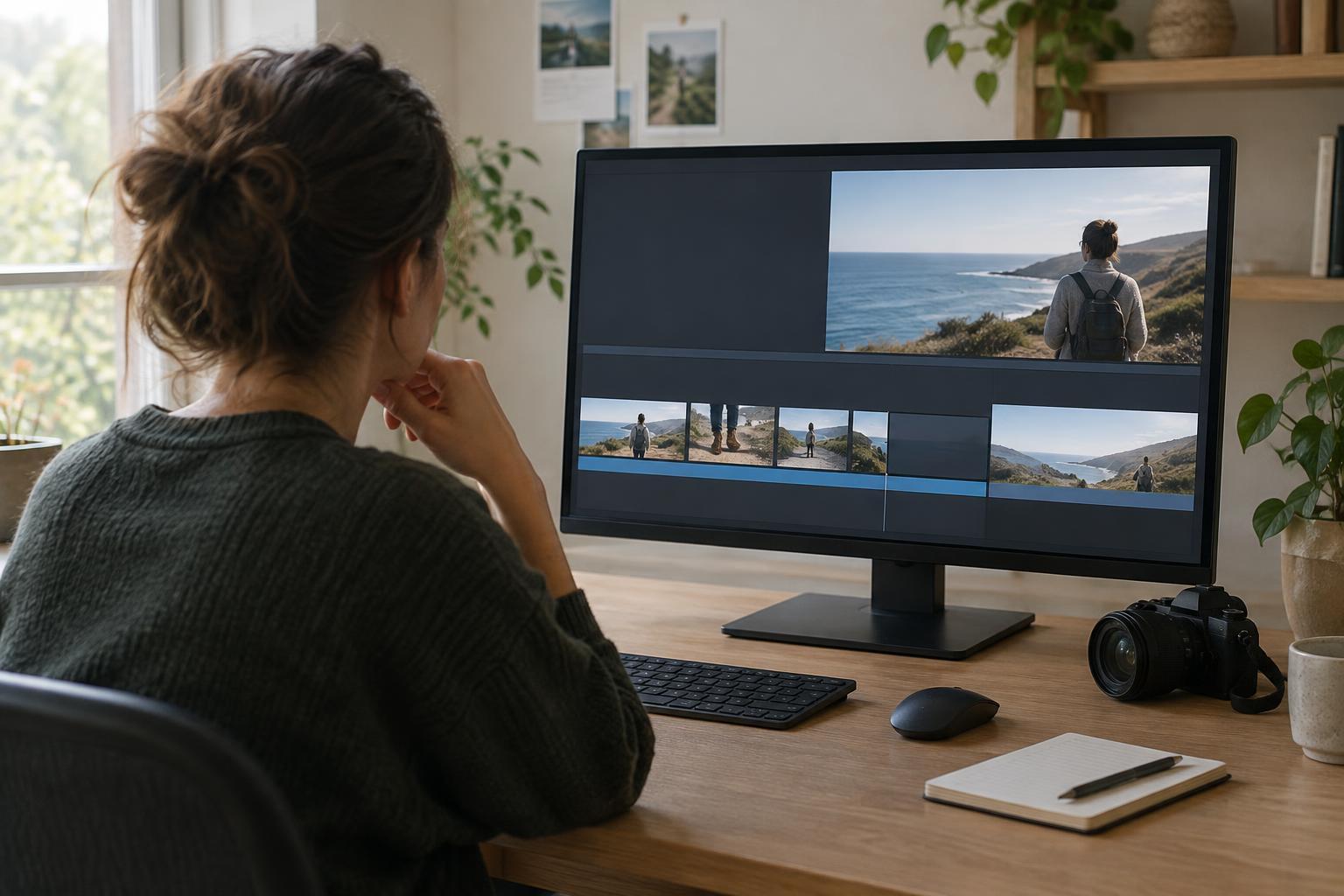
A practical final pass is to watch without touching the timeline. Mark each moment where you want to rewind, where your attention wanders, or where a point lands well. Then change one thing at a time: remove a redundant shot, extend a crucial detail, or add a beat before a reveal. The goal is not one ideal speed. It is a rhythm that gives each part of the story the time it needs.