Give each kind of text a job
A video story asks viewers to take in images, sound, speech, and sometimes written words at once. Text helps when it makes that experience easier to follow. It gets in the way when it competes with the moment the viewer is meant to notice. Before adding a line, ask what it contributes: Does it identify a person, explain a change in location, emphasize a key idea, or make spoken words available in writing?
Captions generally represent speech and relevant sounds. On-screen text added by the creator can do other work, such as naming a chapter, introducing a question, or showing a term that would be hard to catch by ear. The distinction matters because the two can appear together. If a speaker says, “Here’s the part I got wrong,” an additional card saying “I GOT IT WRONG” may add little. A label such as “First attempt” might give the scene useful context instead.
Start with the story, not the text effect
Map the video’s basic path before designing its text: What does the viewer need to understand at the start, what changes, and what should be clear by the end? In a short demonstration, that path might be a problem, an attempted fix, and the result. Text can mark those turns, but it cannot replace the footage that shows them. “The result” is less satisfying as a title if the video never gives viewers a good look at what happened.
Use on-screen wording to supply information the image and narration cannot convey quickly. A location label may orient the viewer before an interview begins. A brief question can prepare them to look for a detail in the next shot. Keep these lines specific: “Watch the corner of the frame” gives a viewer something to do, while “You won’t believe this” offers no help in understanding the scene. If the story works only when every title is read, consider whether a missing shot or transition is the real problem.
Make captions faithful and readable
Captions should let viewers follow what was said without having to guess at missing words. If you use automatic captioning, review the result against the audio. Names, specialized terms, and quick exchanges are easy to get wrong. Check that the words appear when they are spoken, and identify speakers when a change is not otherwise clear. Relevant sounds may also need a short description when they affect the story, such as a door closing during a conversation.
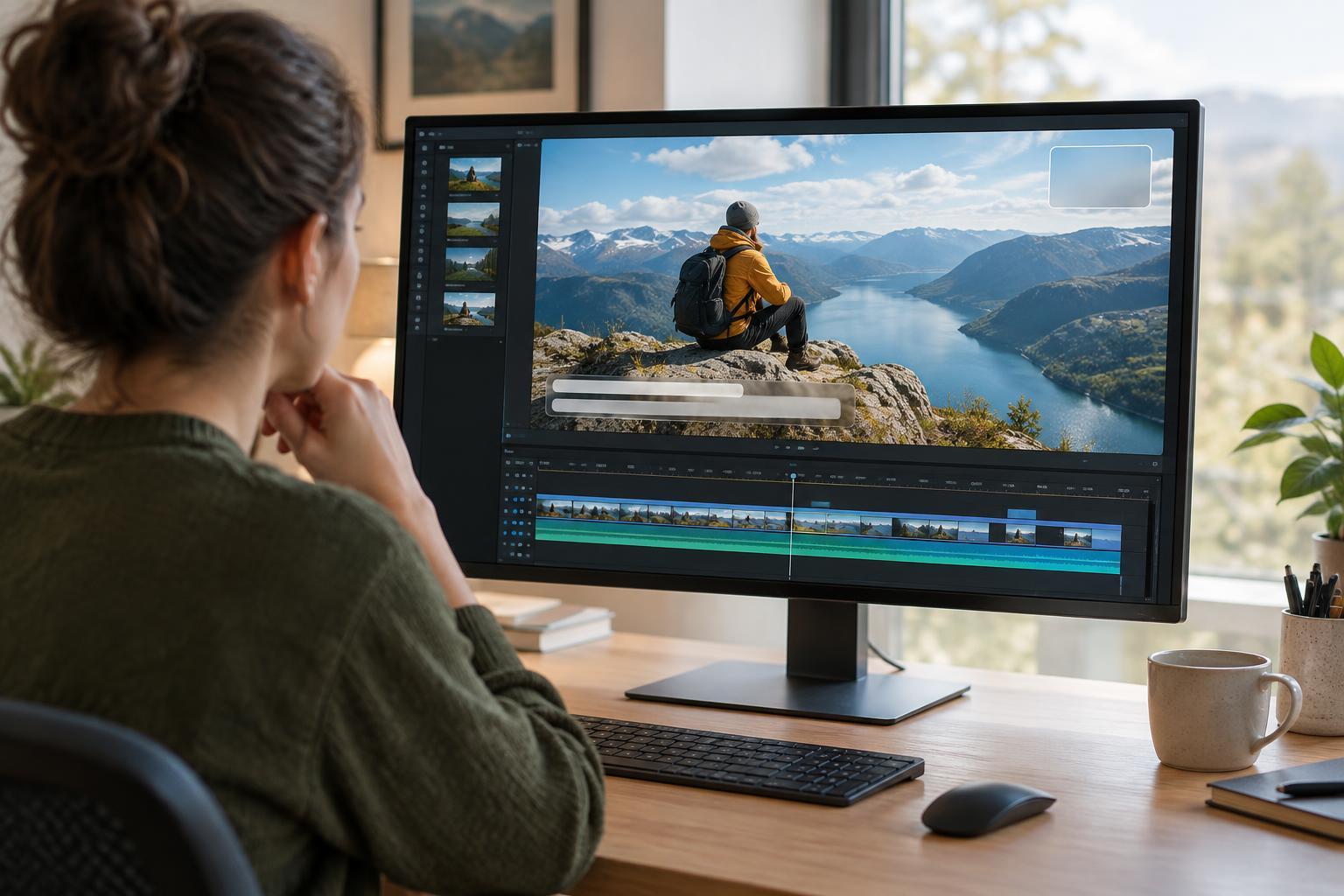
Readable captions need enough time on screen and a clear contrast with the footage behind them. Break long speech into manageable groups of words rather than filling the frame with a whole paragraph. Avoid placing captions over a face, an important action, or other essential text when you can. Platform caption tools and text added directly to the video offer different controls; test the version viewers will actually see, rather than relying only on how it looks in an editing window.
Use on-screen text as a visual cue
On-screen text works best when it follows the rhythm of the story. Introduce a label as its subject enters the frame, not long after it has passed. Hold a question long enough to read before cutting to the answer. Let a significant image breathe instead of covering it with an explanation. These choices help text direct attention without demanding it all the time.
A consistent style also reduces effort for the viewer. Use a limited set of type sizes and positions so that a chapter heading feels different from a small identifying label. Choose words that can be read in a quick glance, especially on a phone. If a sentence needs several lines, it may belong in the narration or in a separate card with more time. Decorative movement can suit a playful piece, but motion should not make the words harder to track.
Check the finished video in context
Review the video once with sound and once without it. The silent viewing is not a demand that every visual carry the whole story; it is a way to spot stretches where a viewer relying on captions might lose the thread. Then watch with sound to see whether titles interrupt a reveal, repeat a line unnecessarily, or appear before the speaker has made a point.
Finally, view the video at a small size and in the layout where you plan to publish it, if possible. Interface buttons or platform captions may cover text near the edges. Adjust placement, timing, or wording when two elements collide. The goal is not to put more words on screen. It is to give each viewer a clear path through the story while leaving room for the images, voices, and pauses to do their work.